CIJ ink vs make-up vs cleaner: what each bottle does and why viscosity alarms fire
A continuous inkjet (CIJ) cabinet usually holds more than one fluid bottle, and operators often treat them as interchangeable solvents. They are not. Ink puts the code on the product. Make-up replaces solvent that evaporates while the printer runs, so viscosity stays in its working window. Cleaner or flushing fluid is for change-over and printhead service only. This page is a three-bottle literacy guide plus a viscosity-alarm checklist, not a rewrite of CIJ make-up solvent explained, which remains the make-up selection and storage article.
Shenzhen Mufeng Technology Limited Company, established in July 2012, supplies compatible CIJ fluids under MufengTech. Brand names such as Domino, Linx, Markem-Imaje, Hitachi and Leibinger identify the original printer or fluid family only. Listed products are pairing / form-fit-function alternatives, not licensed OEM fluids. Do not invent alarm thresholds, flush times, or cleaner SKUs absent from the public catalogue.
Three bottles, three jobs
| Bottle | What it does on a CIJ line | When it should enter the circuit | Buyer rule from live pages |
|---|---|---|---|
| جوهر | Carries dye or pigment and resin to form the visible code | Continuously during production | Choose ink for printer family, pack format and substrate; confirm the code on the machine |
| Make-up (also called make-up solvent, replenisher or thinner) | Replaces evaporated solvent and stabilises viscosity | Dosed automatically as viscosity rises | Always match make-up to that ink family; leftover make-up from another family often causes alarms |
| Cleaner / flushing fluid | Service and change-over only | Maintenance or an approved ink-family change, per the printer manual | Not production make-up. Never add wash fluid to a production tank to correct viscosity |
Browse the live range on CIJ inks and solvents. The category groups inks and some make-up packs by printer family and does not currently present a dedicated cleaner product list.
What the ink bottle does
CIJ ink is the circulating production fluid: colorant, resin and solvent. The resin is meant to bond the code; the solvent carries the mix and then evaporates so the mark can dry. Families are not interchangeable just because they are black. IC-270BK is listed as MEK-based black in an 825 ml cartridge for Domino A100 / A200 / A300-class printers. IR-236BK is a 1.2 L reservoir, not a cartridge. Linx 1240 is a 0.5 L black pack for Linx 4900 / 5900 / 7900-class printers. FB660 is described as MEK-free acetate/ethanol black, typically in an 0.8 L chipped cartridge.
What the make-up bottle does
While the printer runs, solvent leaves the ink as vapour and viscosity rises. The printer measures that rise and doses the matched make-up to bring viscosity back toward its set value. Make-up is not extra ink and not a general-purpose cleaner. For selection and storage, use CIJ make-up solvent explained. The pairings below are literacy examples, not a mixing licence:
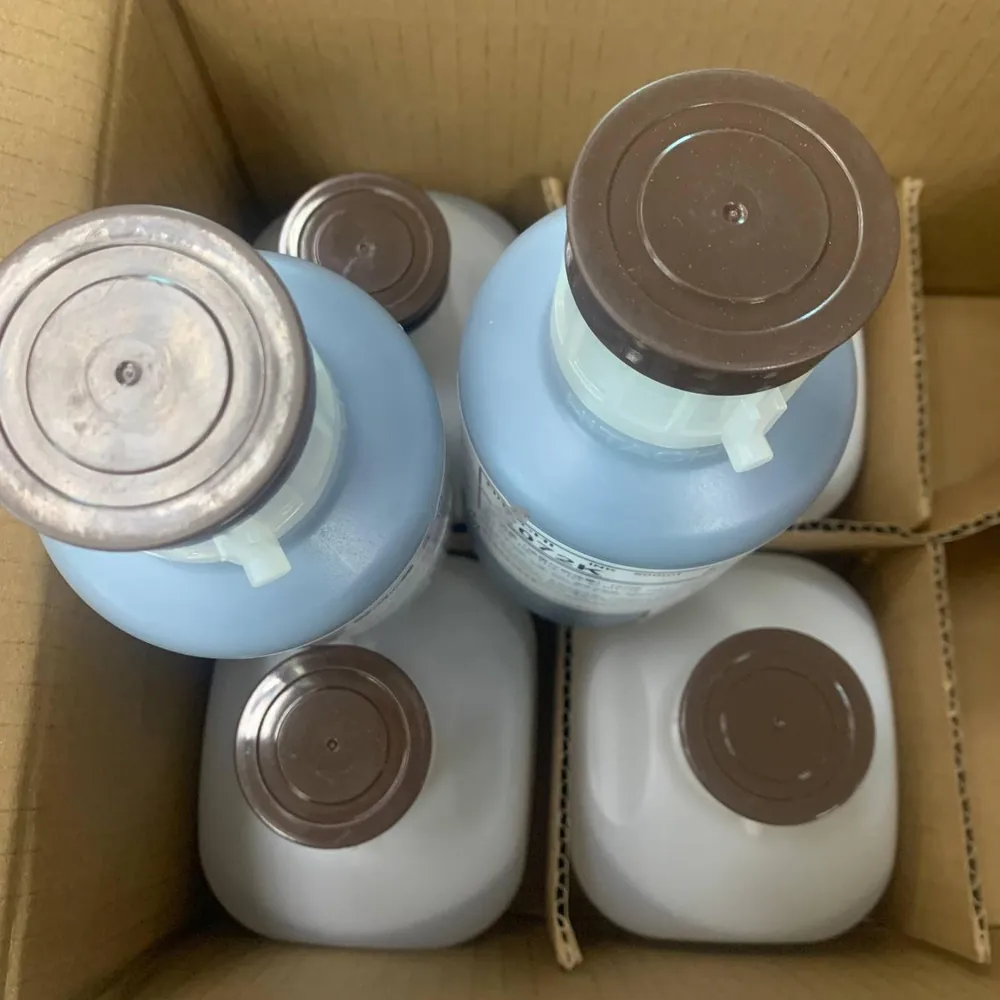
- 1072K with S1018 make-up for Hitachi UX-class printers: 1072K in a 500 ml cartridge and S1018 in an 800 ml pack, stated to regulate ink viscosity.
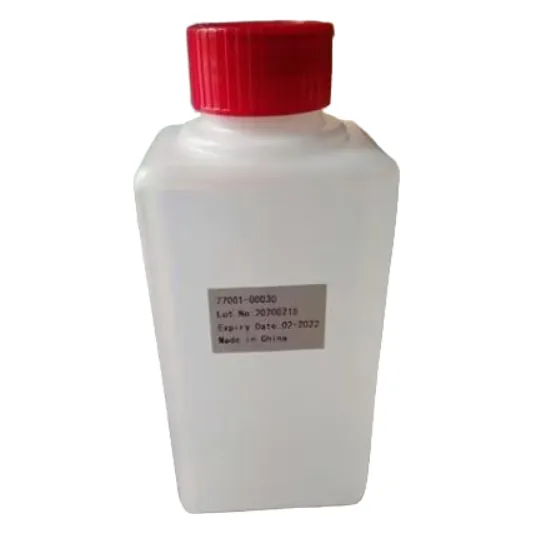
- Leibinger make-up solvent is listed with black ink 70000-00030. That ink page also lists several 77001-series solvent references; confirm the exact solvent against the circulating ink.
- Linx 1240 is paired in its table with solvent 1512. Other rows such as 1505 or 1705 are label-reading aids, not proof that every row has a standalone product page.
- Domino-compatible tables list IC-270BK with MC-270BK, the 236 family with MC-236BK, and IC-299BK with MC-299BK. Dedicated MC product pages were not in the reviewed catalogue; treat those codes as enquiry references. Use the Domino pairing guide before a changeover, and the Markem-Imaje and Linx pairing map for those fleets. FB660 is often described as paired with A661 make-up; confirm the supply format.
What the cleaner bottle does — and what the catalogue does not list
Cleaner or flushing fluid belongs in service routines: a controlled drain, an approved flush path, and a printhead wash allowed by the printer manual. After a flush, charge the confirmed ink and make-up pair without residual incompatible cleaner in the circuit. Never add wash fluid to a production tank as a shortcut for viscosity correction.
The evidence gap is clear: the public inks and solvents catalogue has no dedicated cleaner SKU page in the reviewed range. The FB660 page mentions Imaje cleaning-solution references 5100 and 5696 inside a part-number table, but those entries are not standalone MufengTech product URLs. Confirm the matching cleaner with the ink and make-up family already in the printer. Do not invent chemistry or flush durations.
Why viscosity alarms fire
Public pages do not publish numeric viscosity set-points or alarm thresholds, and this article does not invent any. They do explain the mechanism: viscosity rises as solvent evaporates, and the printer doses make-up to correct it. Alarms become more likely when make-up does not match the circulating ink, leftover make-up from another family is installed, the make-up bottle is empty or not primed, dried ink is on the head, wash fluid has been added to the tank, or a recent ink-family change left mixed residue. A jet that is still printing does not prove the pair is correct; wrong make-up can also show up as fade, smear, poor adhesion or extra clogs. Record the alarm text, bottle lots and any recent fluid change before swapping bottles at random.
Viscosity-alarm troubleshooting checklist
Work through these checks in order. They extend the short list in the make-up article and do not replace the printer manual.
- Photograph the installed ink and make-up labels, including every letter, suffix, chip or RFID tag, and the printer nameplate. Confirm the approved pair.
- Check bottle or cartridge levels and that the make-up line is primed as the manual describes.
- Inspect the printhead face for dried ink. Wipe only with the approved method.
- Confirm nobody added workshop solvent, leftover make-up, or cleaner to the production tank to “thin the ink.”
- If an ink family, colour or supplier change happened recently, stop experimenting. Ask whether a technician-led drain and flush was completed and residual cleaner was cleared before the new pair was charged.
- After a controlled stop/start, allow the jet to stabilise before releasing production.
- If the alarm continues with a confirmed pair, record the fault, model, fluid lots and recent work, then contact support. Do not invent a second make-up or flush time.
For the wider schedule, use the CIJ printer maintenance checklist.
Send a three-bottle enquiry to MufengTech
ایمیل [email protected] or WhatsApp +86 158 1405 1051 with the printer model, photos of both production bottles, the alarm wording, substrate, and whether cleaner was added. Ask for a confirmed ink and make-up set, and for the matching cleaner only if a service change-over requires it. For TIJ cartridge coding rather than circulating CIJ fluids, see tijinkjet.com.
FAQ: CIJ ink vs make-up vs cleaner: what each bottle does and why viscosity alarms fire
Is CIJ make-up the same as cleaner?
No. Make-up is the production replenisher that keeps viscosity in range while the printer runs. Cleaner or flushing fluid is for service and change-over per the printer manual. Do not substitute one for the other.
Why would a viscosity alarm fire if the ink bottle is not empty?
Low ink is only one possibility. Public guides point first to mismatched or empty make-up, an unprimed make-up line, dried ink on the head, or cleaner / leftover fluid in the circuit. Confirm both production labels before changing ink.
Does MufengTech publish a dedicated CIJ cleaner product page?
Not in the reviewed inks-and-solvents catalogue. Some ink pages mention cleaning-solution part numbers in reference tables only. Confirm the matching cleaner with the ink and make-up family; do not invent a SKU from a table row.
Where should I go for make-up selection or brand pairing?
Use CIJ make-up solvent explained for make-up choice and storage, the Domino pairing guide for A-series references, and the Markem-Imaje and Linx pairing map for those fleets.
Written by the team at Shenzhen Mufeng Technology Limited Company. WhatsApp: +86 158 1405 1051