
CIJ Make-Up Solvent Explained: What It Does and How to Choose
CIJ make-up solvent (also called make-up fluid or thinner) is the continuous inkjet solvent the printer adds automatically to keep CIJ ink viscosity in range as solvent evaporates during printing. Always use the make-up matched to your ink and printer brand — the wrong continuous inkjet solvent changes chemistry, adhesion and can raise clogging risk.
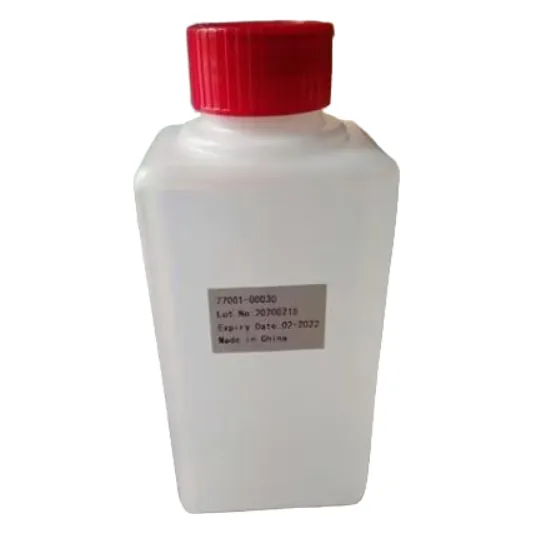
This guide from Shenzhen Mufeng Technology Limited Company explains what CIJ make-up solvent is, how it controls ink viscosity, how to choose the right pair for your printer, and how to store make-up on the shelf. It complements our ink-selection and maintenance guides with a focus on the make-up bottle itself.
What is CIJ make-up solvent?
CIJ make-up solvent is a solvent blend formulated to restore evaporated solvent in a continuous inkjet (CIJ) ink circuit. A CIJ printer pumps ink through a nozzle as a continuous stream of drops; charged drops hit the product and unused drops return to the system. While the printer runs, solvent leaves the ink as vapour, so viscosity rises.
The printer measures that rise and doses CIJ make-up fluid to bring viscosity back to its set value. Without the correct make-up, the jet becomes unstable, codes fade or smear, and nozzles clog more often.
CIJ ink viscosity: why make-up exists
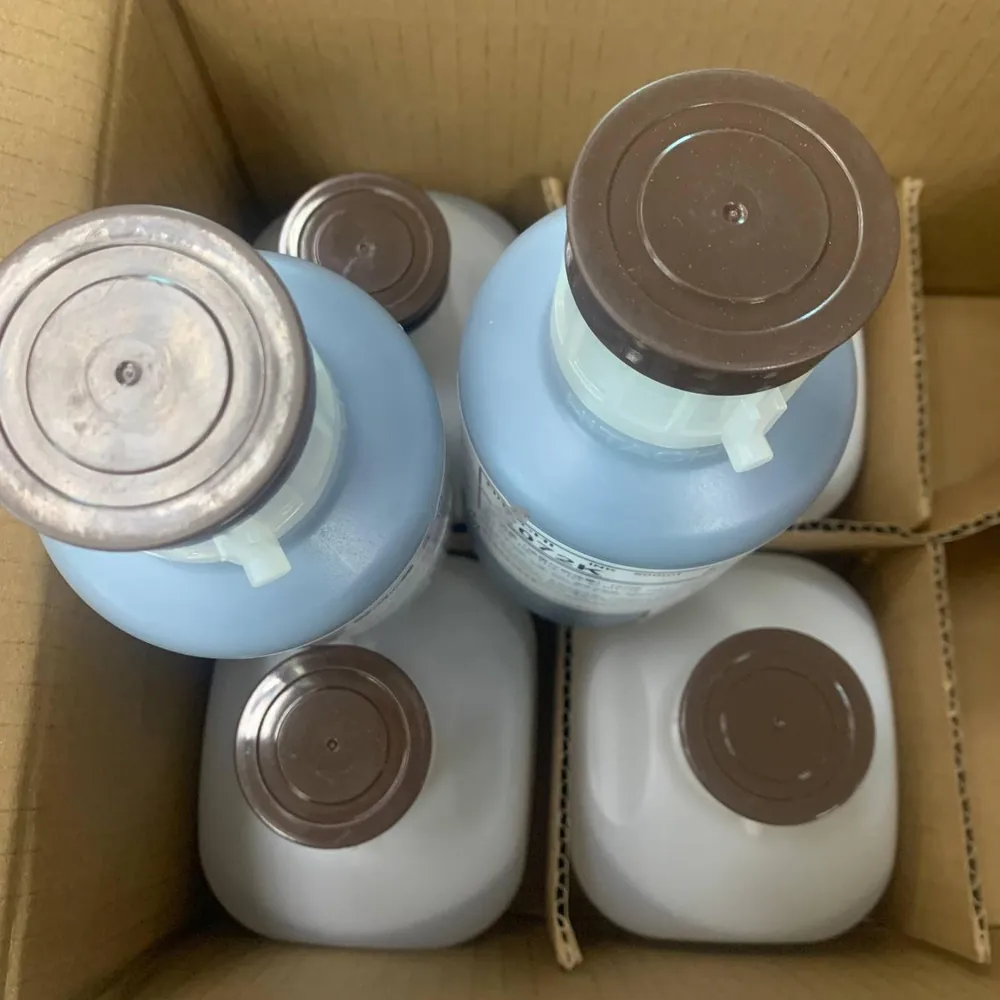
CIJ ink viscosity must stay inside a narrow working window for the drop generator and charge tunnel to work. Ink is a mix of dye or pigment, resin and solvent. The resin bonds the code to plastic, glass or metal; the solvent carries it and then evaporates so the code dries in seconds.
Make-up is not "extra ink" and it is not a general-purpose cleaner you pour into any bottle. It is a matched continuous inkjet solvent for one ink family. Using leftover make-up from another ink colour or another printer brand is one of the fastest ways to create viscosity alarms and poor adhesion.
Make-up vs ink vs cleaner: quick comparison
| Fluid | Role | When the printer uses it | Buyer rule |
|---|---|---|---|
| CIJ ink | Forms the visible code (dye/pigment + resin + solvent) | Continuously while printing | Choose ink for material and printer model |
| CIJ make-up solvent | Replaces evaporated solvent; stabilises viscosity | Automatically as viscosity rises | Always match make-up to that ink |
| Cleaning / flushing fluid | Service and change-over routines per the manual | Maintenance or ink change | Follow the printer maker’s flush procedure |
How to choose CIJ make-up solvent
- Start with the printer model. Brand, series and any chip or RFID bottle requirement decide which compatible fluids fit. Examples in our range include Leibinger, Hitachi, Linx, Markem-Imaje, Domino, Willett/Videojet and KGK compatible bottles.
- Identify the ink already in the printer. Make-up is paired to the ink, not chosen alone. Linx 1240 black ink uses Linx 1512 solvent; Linx 1039 yellow uses 1512 or 1505. Hitachi-compatible 1072K high-adhesion black ink uses S1018 make-up. Markem-Imaje 5151 yellow uses 5152 make-up; FB660 MEK-free black uses A661 make-up.
- Confirm the substrate. Plastic bottles, glass jars, metal cans and dark cables need different inks; once the ink is fixed, the make-up follows that ink’s datasheet.
- Check bottle format. Some printers need tagged bottles; others accept standard packs. Order the format your cabinet expects.
- Plan stock for the line speed. Faster lines and warmer rooms evaporate more solvent, so make-up use rises. Keep sealed spare bottles labelled by printer.
- Test after any ink family change. Flush per the manufacturer, install the new ink and its matched make-up, then print on real products before releasing production.
Browse fluids on our CIJ inks and solvents pages, including the make-up solvent for Leibinger Jet2 / Jet2neo / Jet3se / Jet3up.
Matched pairs: examples from our range
- Leibinger-compatible black ink 70000-00030 with the matching Leibinger make-up solvent
- Hitachi-compatible 1072K ink with S1018 make-up for plastics, metals, glass and many packaging films
- Willett-compatible 201-0001-601 black MEK ink for plastics, glass and metal — with its specified make-up
- Domino A-series compatible inks such as IR-236BK or IC-270BK with the make-up specified for that ink
- Linx 1240 / 1039 families with 1512 or 1505 solvents as listed for each colour
Printers such as the MFS200 Plus series continuous inkjet printer list character height 2 to 20mm, a best printing distance of 12mm and a maximum printing speed of 384m/min. Automatic cleaning features help, but they still rely on the correct ink and CIJ make-up solvent pair.
How to store continuous inkjet solvent
Store continuous inkjet solvent and ink sealed, upright and away from heat, sun and ignition sources, following each bottle label. Keep make-up on the same shelf system as its ink so operators never grab a bottle from another family during a busy shift.
- Leave caps closed until the bottle is installed in the printer
- Rotate stock first-in, first-out
- Do not pour make-up into unlabelled containers
- Do not top up one make-up bottle with fluid from another ink type
- Note receipt dates on cartons for warehouse audits
Shelf life differs by product. Some inks in our range, such as IR-236BK, list about two years when stored correctly — confirm the date on your shipment rather than assuming every bottle matches.
Operator checklist when viscosity alarms appear
- Confirm ink and make-up part numbers match the pair approved for that printer.
- Check bottle levels and that the make-up line is primed as the manual describes.
- Inspect the printhead face for dried ink; wipe only with approved methods.
- Allow the jet to stabilise after a controlled stop/start before releasing the line.
- If alarms continue after a correct pair is installed, record the fault and contact support with the model and fluid lot.
For a full daily/weekly/monthly schedule see our CIJ printer maintenance checklist. For substrate-focused ink choice see CIJ ink selection for plastic, glass and metal. Need high-resolution carton codes instead of CIJ? Visit tijinkjet.com.
FAQ: CIJ make-up solvent explained
What does CIJ make-up solvent do?
It replaces solvent that evaporates from the ink circuit so CIJ ink viscosity stays in the working range. The printer doses make-up automatically while printing.
Can I use any CIJ make-up fluid with my ink?
No. Use the make-up matched to your ink and printer, for example 1072K with S1018 or Linx 1240 with 1512. The wrong make-up changes chemistry and print quality.
Is make-up the same as cleaning solvent?
Not usually. Make-up is for viscosity control during production. Cleaning or flushing fluids follow the printer manual for service and ink changes.
How should I store continuous inkjet solvent?
Keep bottles sealed, upright, cool and away from heat and sun. Label stock by printer and ink family and use older bottles first.
How do I order the right make-up?
Send your printer model, current ink part number and quantity to Shenzhen Mufeng Technology Limited Company on WhatsApp +86 158 1405 1051.
Written by the team at Shenzhen Mufeng Technology Limited Company. WhatsApp: +86 158 1405 1051